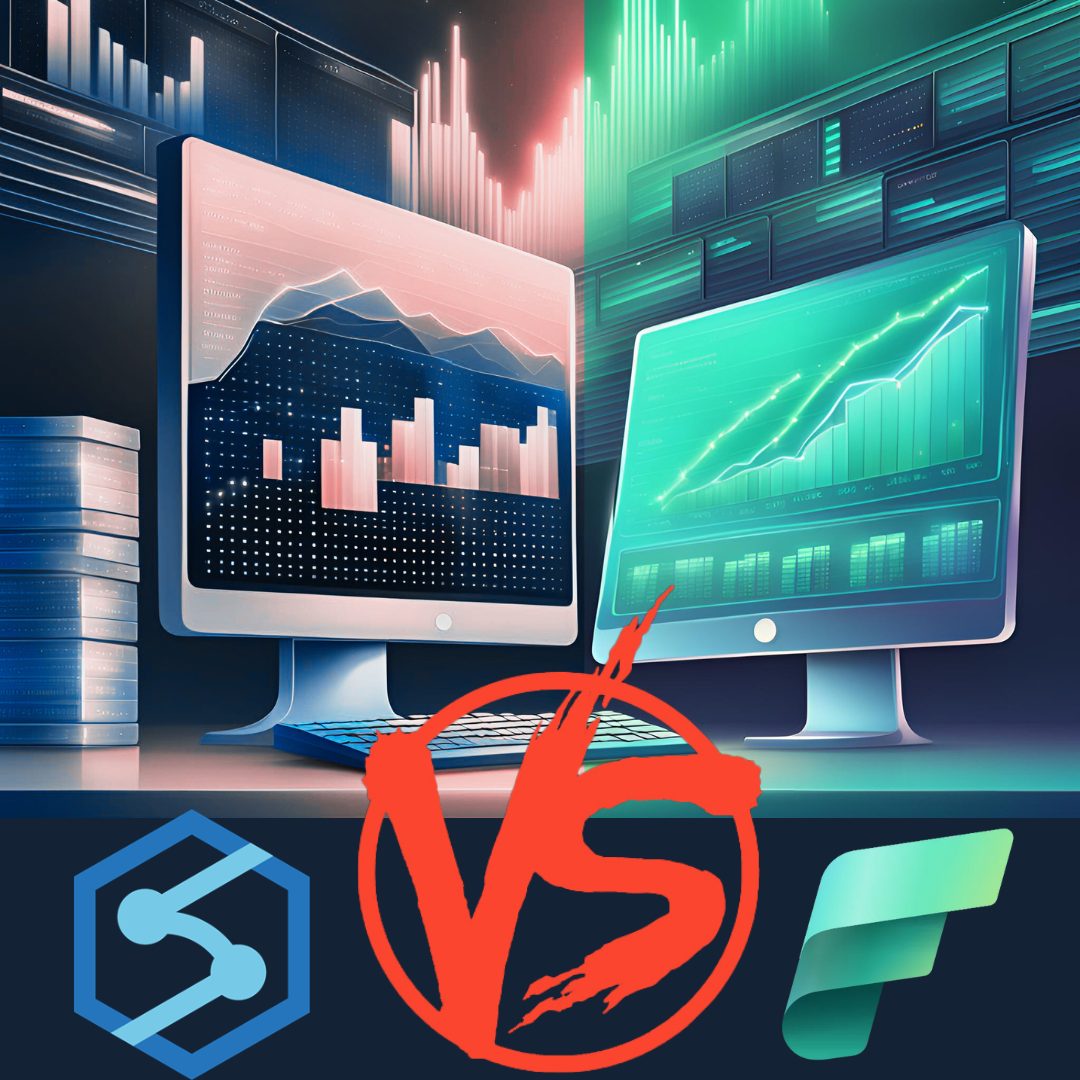
In this blogpost we try to show the main features of each option. This might help to make the decision that best fits your needs.
Synapse is a Platform-as-a-service (PAAS) that combines former standalone Azure services including ADF, KQL(Azure data explorer), Data Lake, Apache spark, Azure SQL DW. The services are oriented around big data and data warehousing. It provides one experience for ingesting, transforming, managing and serving data to other azure services such as PowerBI and Azure Ml.
Microsoft Fabric is the latest of Microsoft SAAS, it encompasses the functionalities of Synapse and builds further on those to bring together with analytics and management tools such as PowerBI, Azure ML, Purview and the latest AI features via Copilot. Besides these, Fabric comes with a novel data storage solution, One Lake, which serves as the single source of truth for all Fabric services.
Capacities, SCUs, vCores, SKUs and Fs
Regardless of the process one wants to run, be it spark pools or any other form of compute instance, capacity is needed. To be able to compare how capacity is measured we need to understand what SCUs, vCores, SKUs and Fs are and how they relate to each other.
SCUs (Synapse Commit Units) are specific to Synapse Analytics. They represent a combination of CPU, memory, and I/O resources that can be purchased and work like credits.
vCores are used across various Azure services to measure compute power and represent a virtual CPU core.
SKUs (Stock Keeping Units) or Fs define a specific configuration of compute resources, including vCores and memory. In the end Fs are just a direct representation of CUs(Capacity Units). The following table might help set the relation between these terms.
Fabric
Reserved
In Fabric you can opt for reserving compute or pay- as- you- go. By resolving the compute you can save 41% on compute costs compared to pay-as-you-go. This also means that if you do not require compute for more than 60% of a month then it will always be cheaper to opt for a pay-as-you-go subscription.
| SKU | Capacity unit (CU) | vCores | Pay-as-you-go | Reservation · ~41% savings |
|---|---|---|---|---|
| F 2 | 2 | 0.25 | €0.407/hour | €0.242/hour |
| F 4 | 4 | 0.50 | €0.814/hour | €0.484/hour |
| F 8 | 8 | 1 | €1.628/hour | €0.968/hour |
| F 16 | 16 | 2 | €3.256/hour | €1.936/hour |
| F 32 | 32 | 4 | €6.511/hour | €3.872/hour |
| F 64 | 64 | 8 | €13.021/hour | €7.743/hour |
| F 128 | 128 | 16 | €26.041/hour | €15.485/hour |
| F 256 | 256 | 32 | €52.081/hour | €30.970/hour |
| F 512 | 512 | 64 | €104.162/hour | €61.939/hour |
| F 1024 | 1024 | 128 | €208.323/hour | €123.878/hour |
| F 2048 | 2048 | 256 | €416.646/hour | €247.756/hour |
For the most up to date prices turn to the Fabric pricing page: https://azure.microsoft.com/en-us/pricing/details/microsoft-fabric/
Starter Pool
When you run a notebook without a configured Spark pool, it will default to the Spark configuration and runtime environment provided by Fabric. This means you won’t be able to customize the Spark version, node size, or other configuration options.
Additionally, certain features such as automatic pausing, high concurrency, and concurrency limits may be unavailable or function differently without a configured Spark pool.
Custom Spark Pool
A custom Spark pool allows users to specify dependencies, size nodes, auto scale, automatic pause, and dynamically allocate executors based on Spark job requirements. When enabled, autoscaling acquires new nodes within the max node limit specified by the user and retires them after job execution. Dynamic allocation allocates an optimal number of executors based on the data volume for better performance.
Synapse
SCUs
In Synapse there is also a discount on the compute when it is reserved in the form of SCUs. By paying for compute in this way you can save up to 28% on compute costs. For example if one buys 5000 SCUs at the price of € 4346,22 the SCUs will be used as if they represent the currency with which you would pay in a pay as you go situation. However, since you acquired the SCUs at a lower rate this becomes cheaper.
Keep in mind that the SCUs expire after 12 months if they are not used.
The SCUs can be used for below Synapse services:
-
Azure Synapse Analytics Dedicated SQL Pool
-
Azure Synapse Analytics Managed VNET
-
Azure Synapse Analytics Pipelines
-
Azure Synapse Analytics Serverless SQL Pool
-
Azure Synapse Analytics Serverless Apache Spark Pool
-
Azure Synapse Analytics Data Flow - Basic
-
Azure Synapse Analytics Data Flow – Standard
| Tier | SCUs | Discount % | Price |
|---|---|---|---|
| 1 | 5000 | 6% | €4,346.218 |
| 2 | 10000 | 8% | €8,507.491 |
| 3 | 24000 | 11% | €19,752.174 |
| 4 | 60000 | 16% | €46,606.252 |
| 5 | 150000 | 22% | €108,193.084 |
| 6 | 360000 | 28% | €239,689.292 |
For more up to date prices turn to: Pricing - Azure Synapse Analytics | Microsoft Azure
Pay-as-you-go
The pay-as-you-go option is more expensive than the SCUs per compute. However this approach can be interesting in two situations. The first situation is when you are setting up a new project and you are still figuring out how much compute you are going to need for the processes that you run. The second situation is when you know you will consume less than 5000 SCUs a year. Since the bottom line of SCU purchases is 5000 you will end up not using the remaining SCUs.
| Type | Price |
|---|---|
| Memory Optimized | €0.143 per vCore-hour |
| GPU accelerated (public preview) | €0.157 per vCore-hour |
Options for creating a spark pool.
| Node size · Memory optimized | Instances count | Price/hour | Price/month |
|---|---|---|---|
| Small (4 vCores / 32GB) | 1 | €0.57 | €417.34 |
| Medium (8 vCores / 64 GB) | 1 | €1.14 | €834.69 |
| Large (16 vCores / 128 GB) | 1 | €2.29 | €1,669.37 |
| XLarge (32 vCores / 256 GB) | 1 | €4.57 | €3,338.75 |
| XXLarge(64 vCores / 432 GB) | 1 | €9.15 | €6,677.50 |
For the most up to date prices turn to the synapse pricing page: https://azure.microsoft.com/en-us/pricing/details/synapse-analytics/
The Pools
After having looked at the pricing we can zoom in on the features that distinguish the spark pools in Synapse from the ones in Fabric. Fabric Spark pools offer both Starter and Custom pool options. Synapse Spark pools, on the other hand, are exclusively Custom pools which requires some educated choices to be made regarding node sizes and scale depending on the jobs. Synapse also supports high concurrency and has a configurable auto pause feature, whereas Fabric’s auto pause duration is fixed. Additionally, Fabric’s Spark pools benefit from novel features like V-Order and Spark autotune, which are not available in Synapse.
| Feature | Azure Synapse Spark | Fabric Spark |
|---|---|---|
| Spark Pool Types | Custom pool | Starter pool, Custom pool |
| Spark Versions (runtime) | 2.4, 3.1, 3.2, 3.3, 3.4 | 3.3, 3.4, 3.5 (experimental) |
| Autoscaling | Yes | Yes |
| Dynamic Allocation of Executors | Yes, up to 200 nodes | Yes, based on capacity |
| Adjustable Node Sizes | Yes, 3-200 nodes | Yes, 1-based on capacity |
| Node Size Family | Memory Optimized, GPU Accelerated | Memory Optimized |
| Node Sizes | Small-XXXLarge | Small-XXLarge |
| Auto pause | Yes, customizable minimum 5 minutes | Yes, non customizable 2 minutes |
| High Concurrency | No | Yes |
| V-Order | No | Yes |
| Spark Autotune | No | Yes |
| Concurrency Limits | Fixed | Variable based on capacity |
| Multiple Spark Pools | Yes | Yes (environments) |
| Intelligent Cache | Yes | Yes |
| API/SDK Support | Yes | No |
| Primary Storage | ADLS Gen2 | OneLake |
| Notebook Languages | Python, Scala, Spark SQL, R, .NET | Python, Scala, Spark SQL, R |
| Notebook Concurrency | No | Yes |
| Pipeline Activity Support | Yes | Yes |
| Built-in Scheduled Runs | No | Yes |
| Retry Policies | No | Yes |
Conclusion
In the end choosing between Spark pools in Synapse and Fabric depends on the needs of your project and its cost considerations. Synapse is tailored for users who need a comprehensive, integrated analytics service with flexible compute options via SCUs. Fabric, with its enhanced features and unified storage solution, caters to those looking for an all-encompassing analytics platform that integrates advanced AI and management tools.
Both platforms offer significant advantages, and understanding their distinct features and pricing models can help you make an informed decision that aligns with your organizational goals and budget constraints. Since Fabric is newer, it is clear that this will always be the more expensive option compared to similar amounts of compute in Synapse. However using Fabric does leave you more ready for the future, since there will very little new development in Synapse, with the focus from Microsoft being fully on Fabric.
Still feeling unsure about your Microsoft setup? We can help! Contact us for advice about a new setup or to take a loot at your existing configurations and cloud costs.